500 ms
Heard nothing from the Corner for 500 ms? A Wing turns its lamps off and shows NO LINK.
It never holds an old standby or GO.
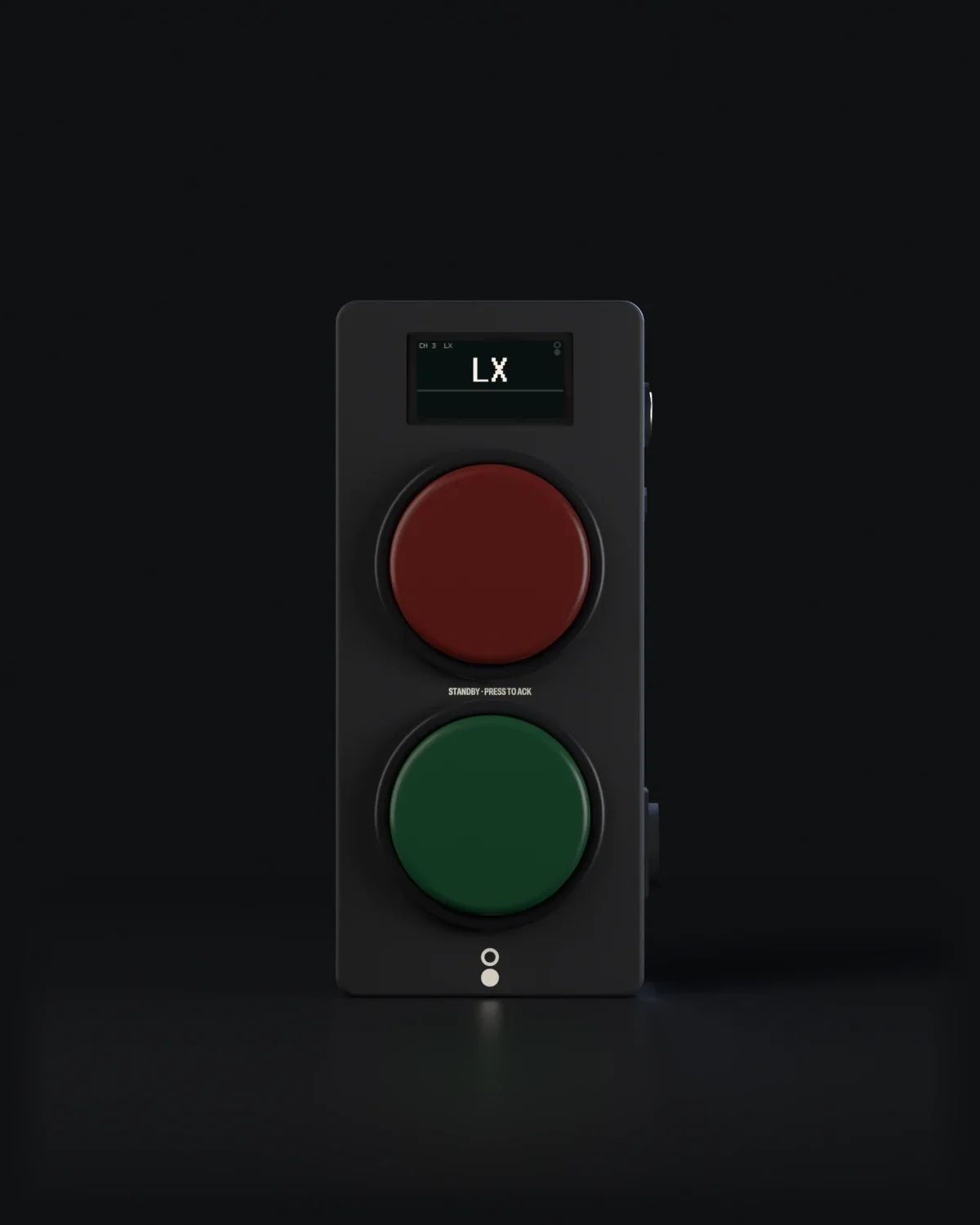
One light for each operator. A red button that lights for standby and that you press to answer. A green lamp for GO. The cue on its own display. One cable for power and the show.
Renders of the current design.
Picture: A Wing seen from the front, both lamps dark, its display reading LX.
Skip the rest of this sceneSTANDBY
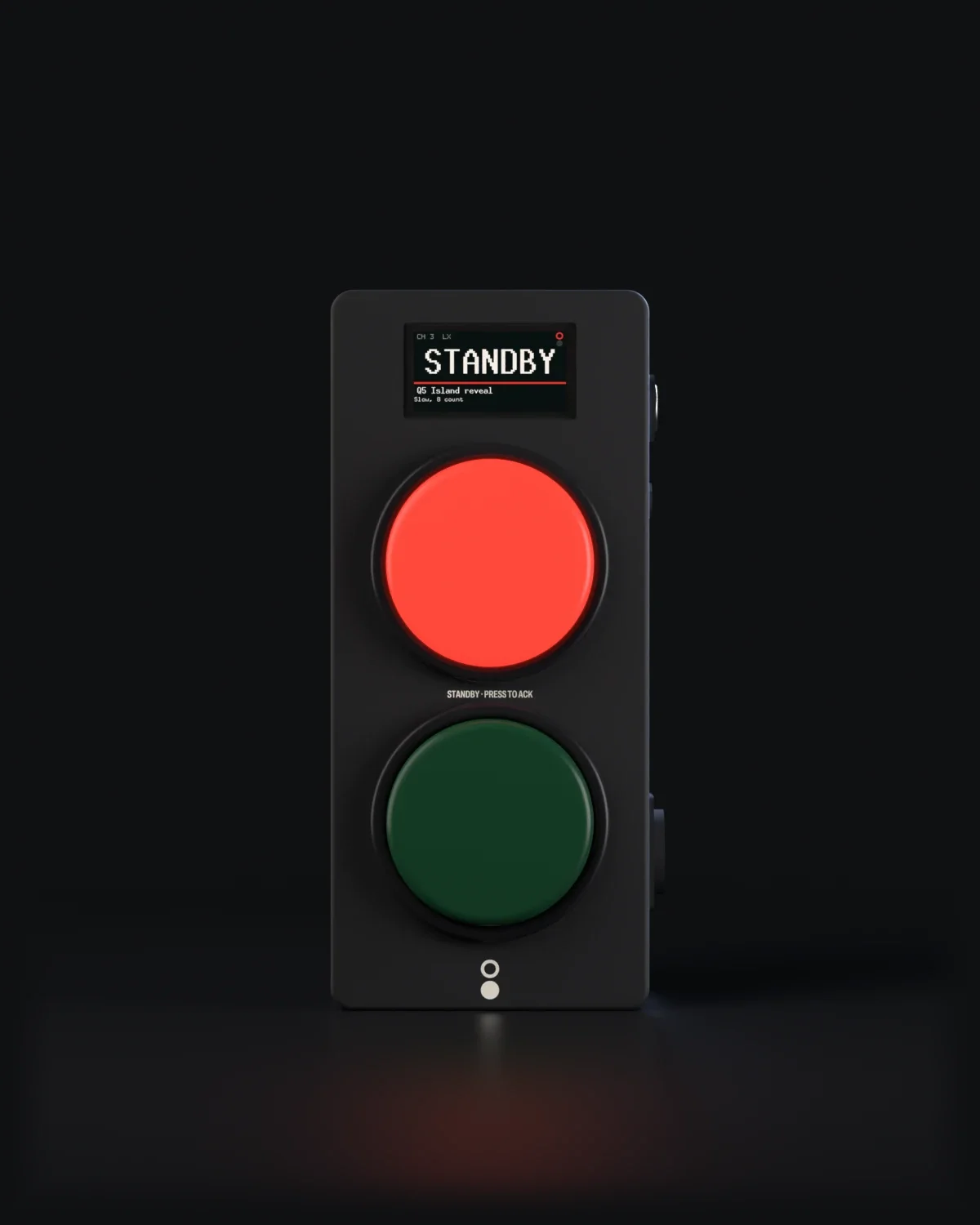
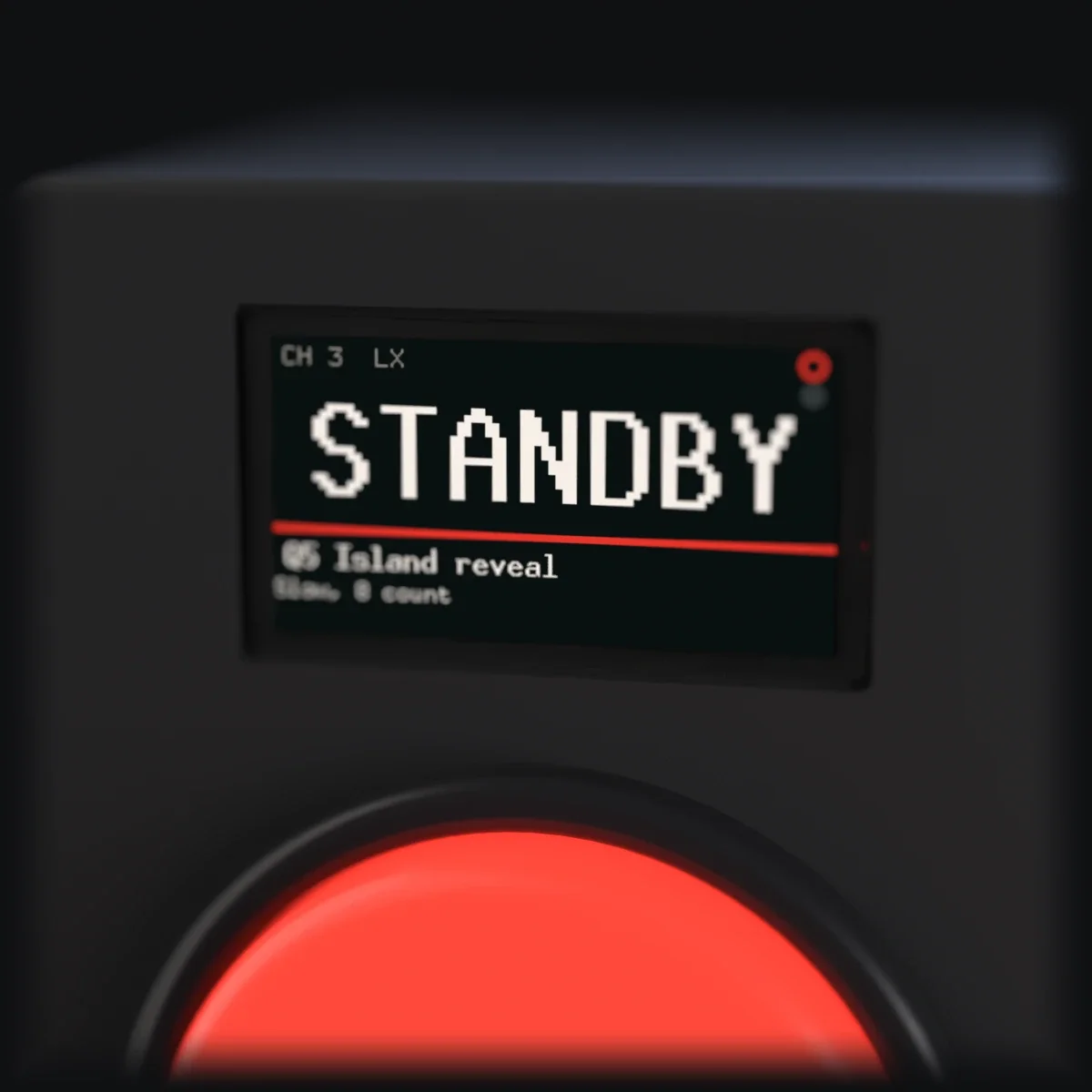
The upper button flashes once a second, in step with every Wing on the channel. The display shows the cue and the DSM's note: Q5 Island reveal. Slow, 8 count.
Picture: The Wing with its red button lit. The display reads STANDBY, Q5 Island reveal, Slow, 8 count.
ACK'D
The light holds steady, here and on the Corner, and the channel's GO key unlocks. Until you answer, a Strict GO waits for you, unless the DSM holds GO to force it, which the show report marks FORCED.
Picture: The red button lit and steady. The display reads ACK'D.

GO
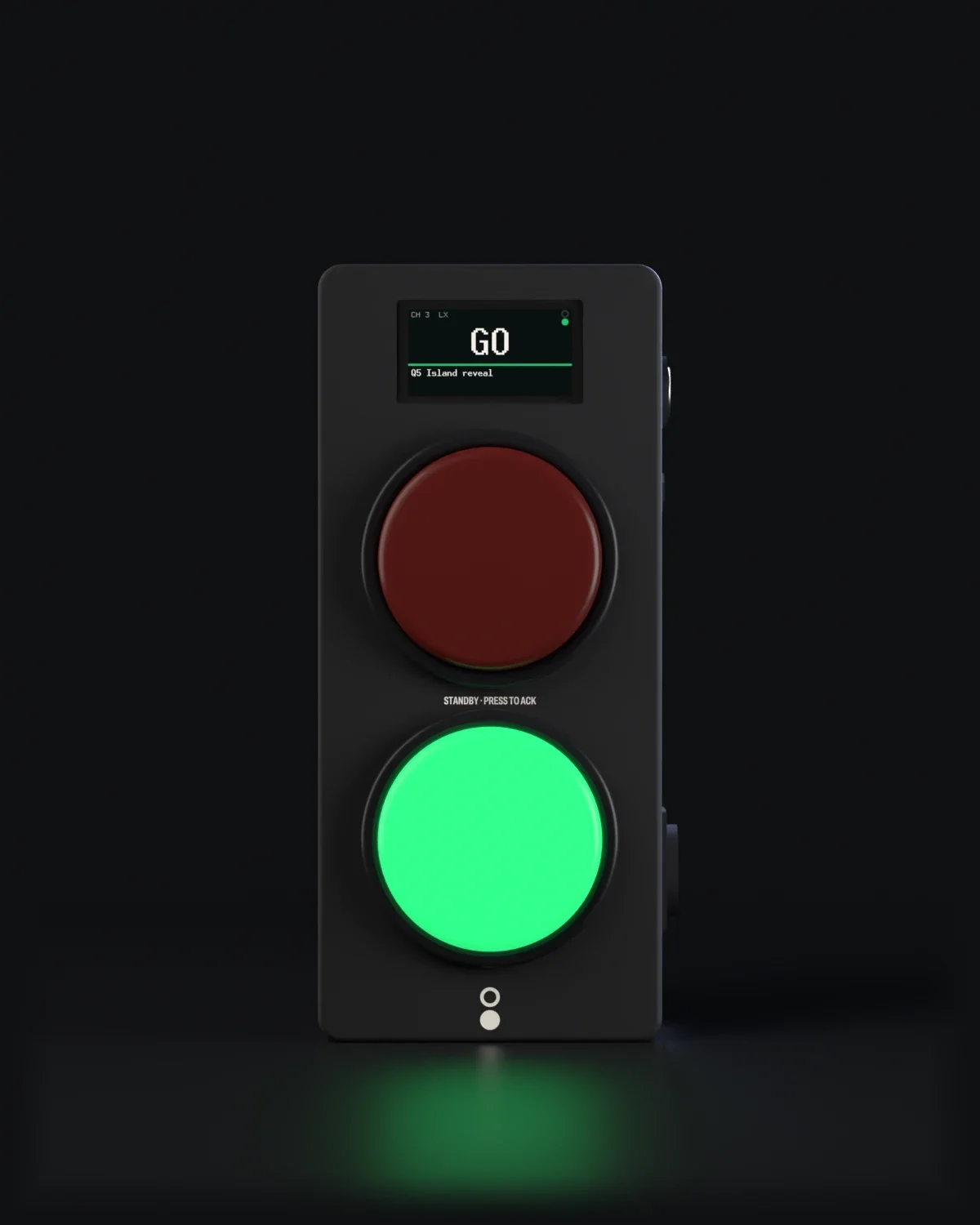
Red goes out and green lights, under 30 ms after the DSM's key (a design target, through one switch). It clears after 3 s, or when the DSM clears it.
Picture: The green lamp lit. The display reads GO, Q5 Island reveal.
CALL
The ring on the side flashes amber, and so does your channel's STBY key on the Corner, until the DSM answers. The display reads CALL SENT, then CALL SEEN.
Picture: The Wing turned to show its side. The ring around the CALL button is lit amber; the display reads CALL SENT.

Power and the show arrive on one network cable (PoE): no mains in the wings, no batteries. The REMOTE socket takes a hand switch that works like the red button, for the fly floor or under a desk.
Picture: The side of the Wing: the CALL button, the REMOTE socket and the network socket.

A 1.9" display, 320 × 170, shows the channel, the cue and the DSM's note. A ring and a disc in the corner of the display mirror the lamps, so the state reads by position as well as colour.
500 ms

1.5 s
Design target
60 mm
25 kHz
6 digits
In step.
Every Wing on a channel flashes as one: the flash is timed by the Corner, not by each Wing. Four Wings on one channel, on standby:


| Lamps | Red button (standby, press to answer) above a green lamp (GO), 60 mm |
|---|---|
| CALL | 16 mm button with an amber ring; flashes at 1 Hz until the DSM answers |
| Display | 1.9", 320 × 170 |
| REMOTE | Socket for a hand switch that works like the red button |
| Power and network | One network cable, PoE |
| Power to channel label | 1.5 s |
| NO LINK after | 500 ms without the Corner |
| State from the Corner | Every 100 ms, and at once on any change |
| Lamp PWM | 25 kHz |
| Pairing | 6-digit code on the display, confirmed in Book |
Times are design targets from the specification; they are measured on production hardware before release.
Flys, LX, sound, follow spots, automation. Several Wings can share a channel.
8
Eight PoE ports connect and power the Wings. Place a Wing for each operator in Build your rig and it works out how many Hubs and cables you need.
Build your rigPut a Wing wherever an operator takes cues. The configurator works out the Hubs, the cables and the price.