3 Flys
Networked cue lights for theatre
Cue lights that wait for a yes.
The DSM puts a department on standby. The operator presses to answer. Only then will GO light.
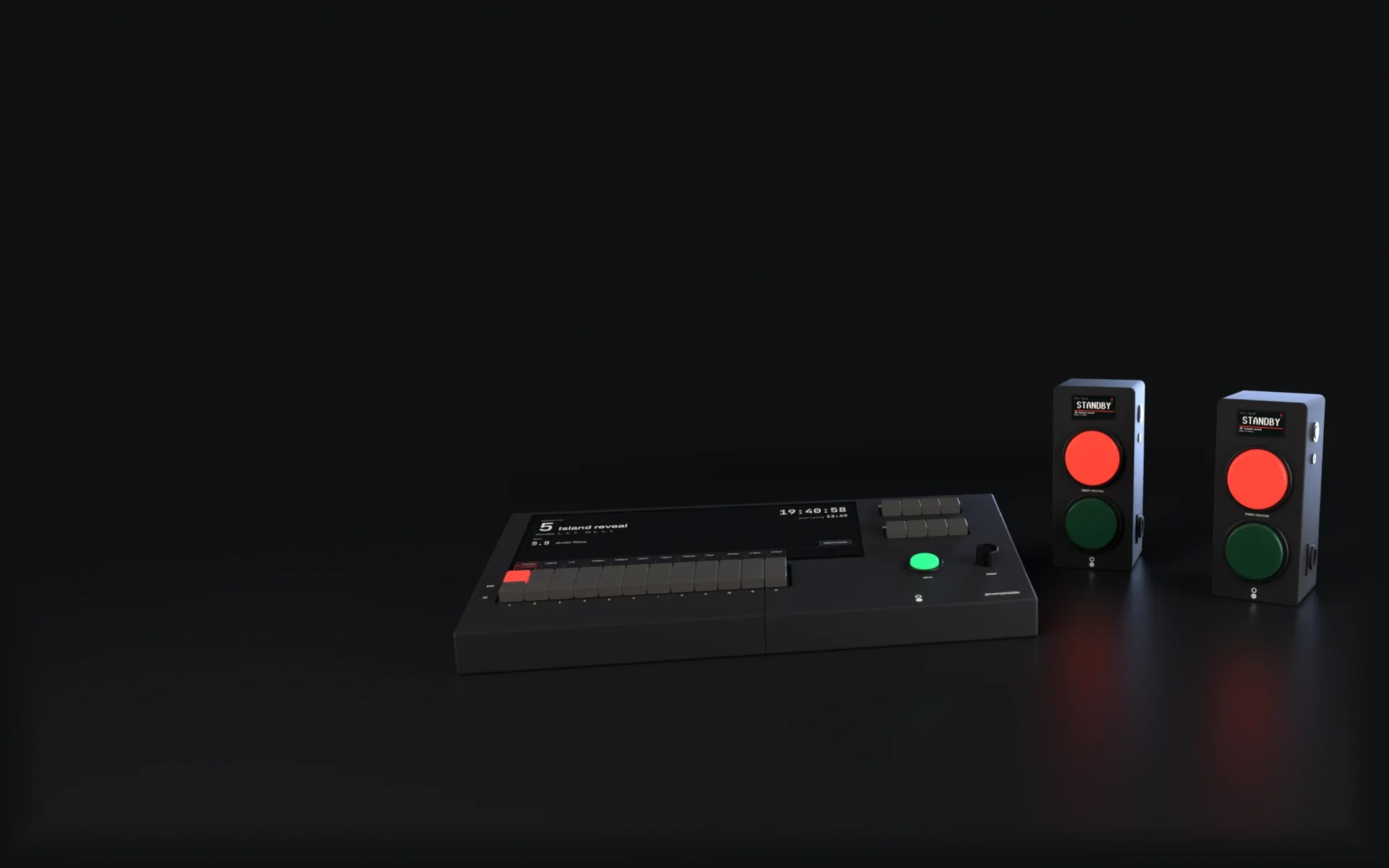
Picture: A Corner 12 with two Wings. Channel 1's STBY key and both Wings' red buttons are lit for STANDBY.
Skip the rest of this scene
STANDBY
The DSM calls the standby.
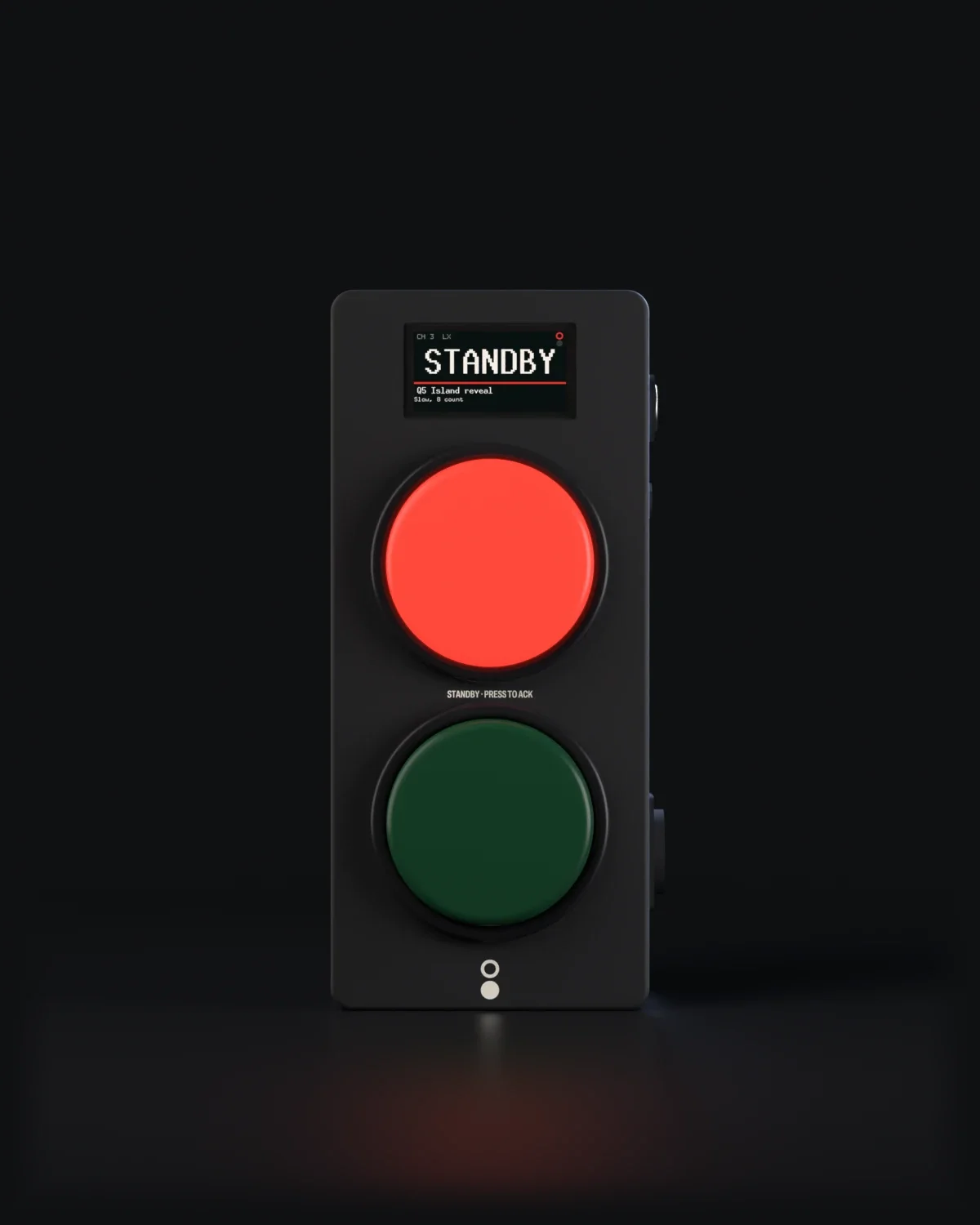
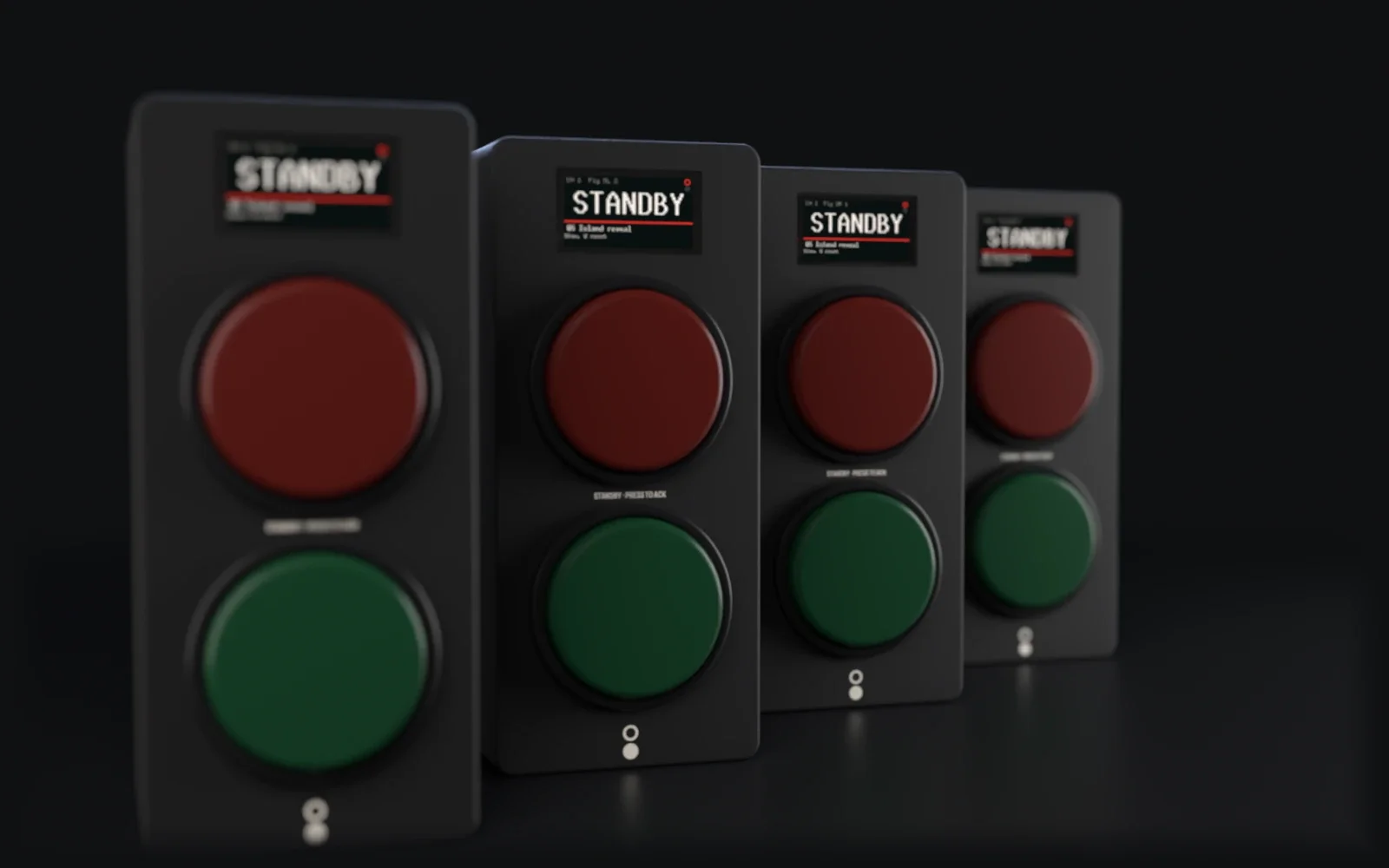
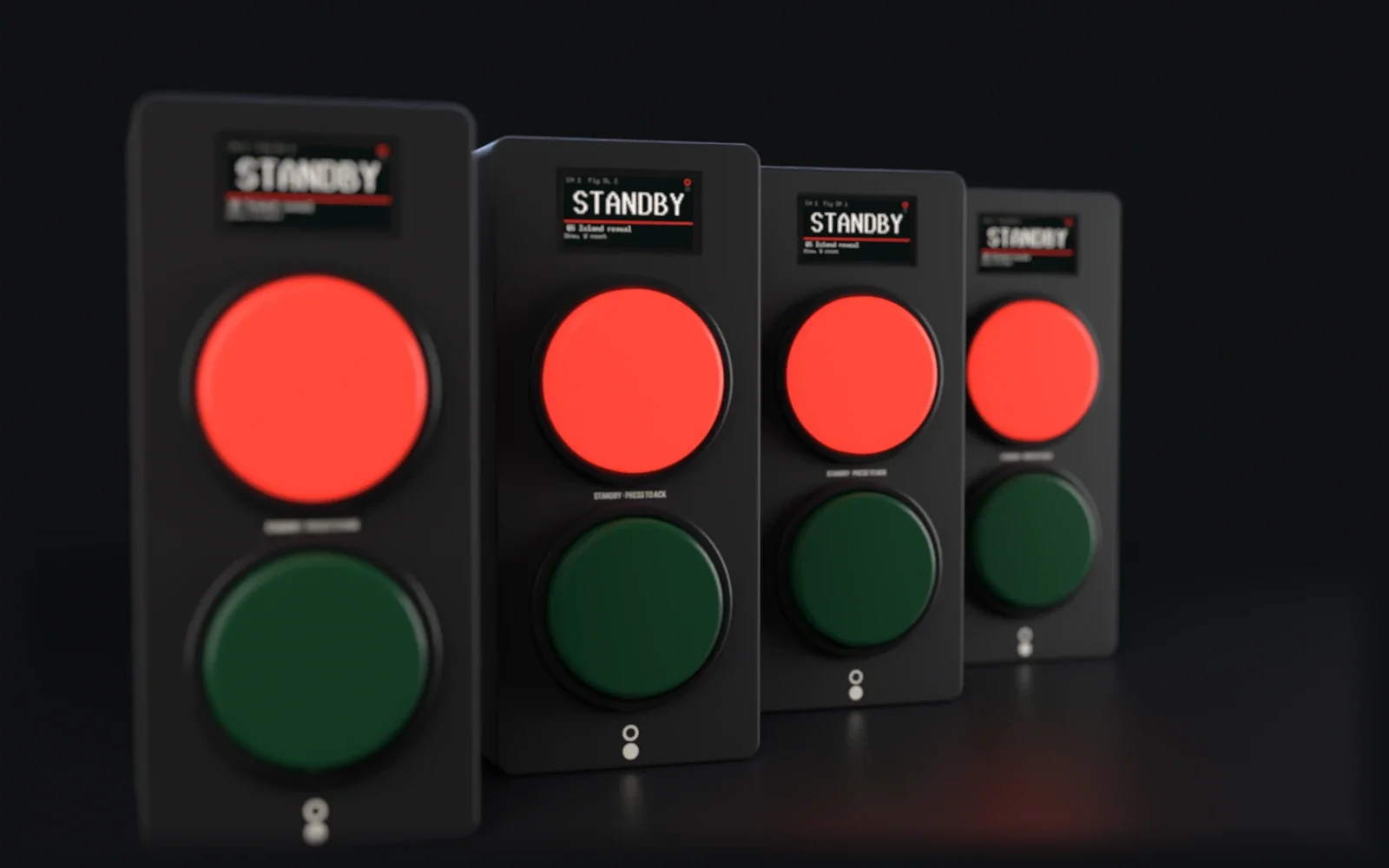
The DSM stands by Q5. STBY 1 flashes, and both Wings on the fly floor flash red and show the cue and the note: Q5 Island reveal. Slow, 8 count.
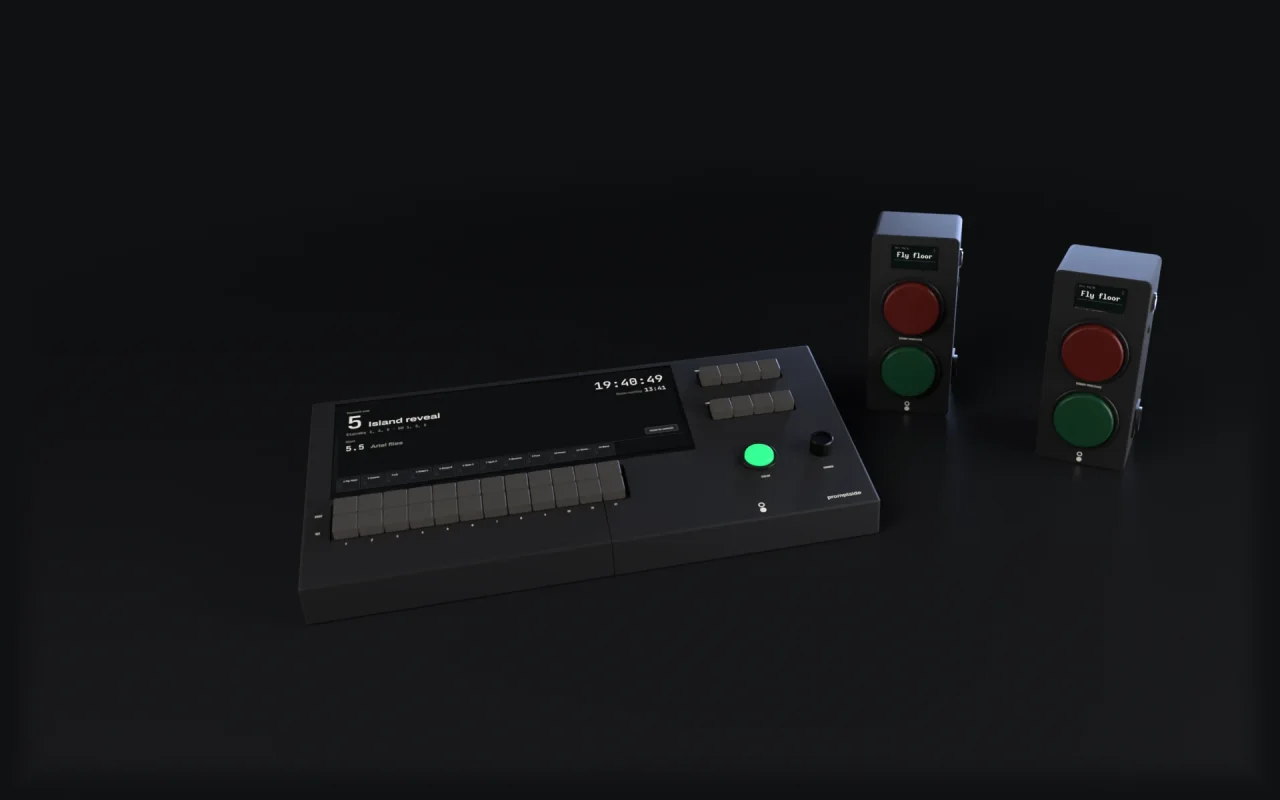
Picture: Close on the two Wings: both red buttons lit, both displays reading STANDBY.

ACK'D
GO waits for both answers.
The first operator presses; their Wing shows ACK'D · WAITING. When the second answers, STBY 1 holds steady and GO 1 lights dim: it's ready.
Picture: Both Wings with their red buttons lit and steady; their displays read ACK'D.

GO
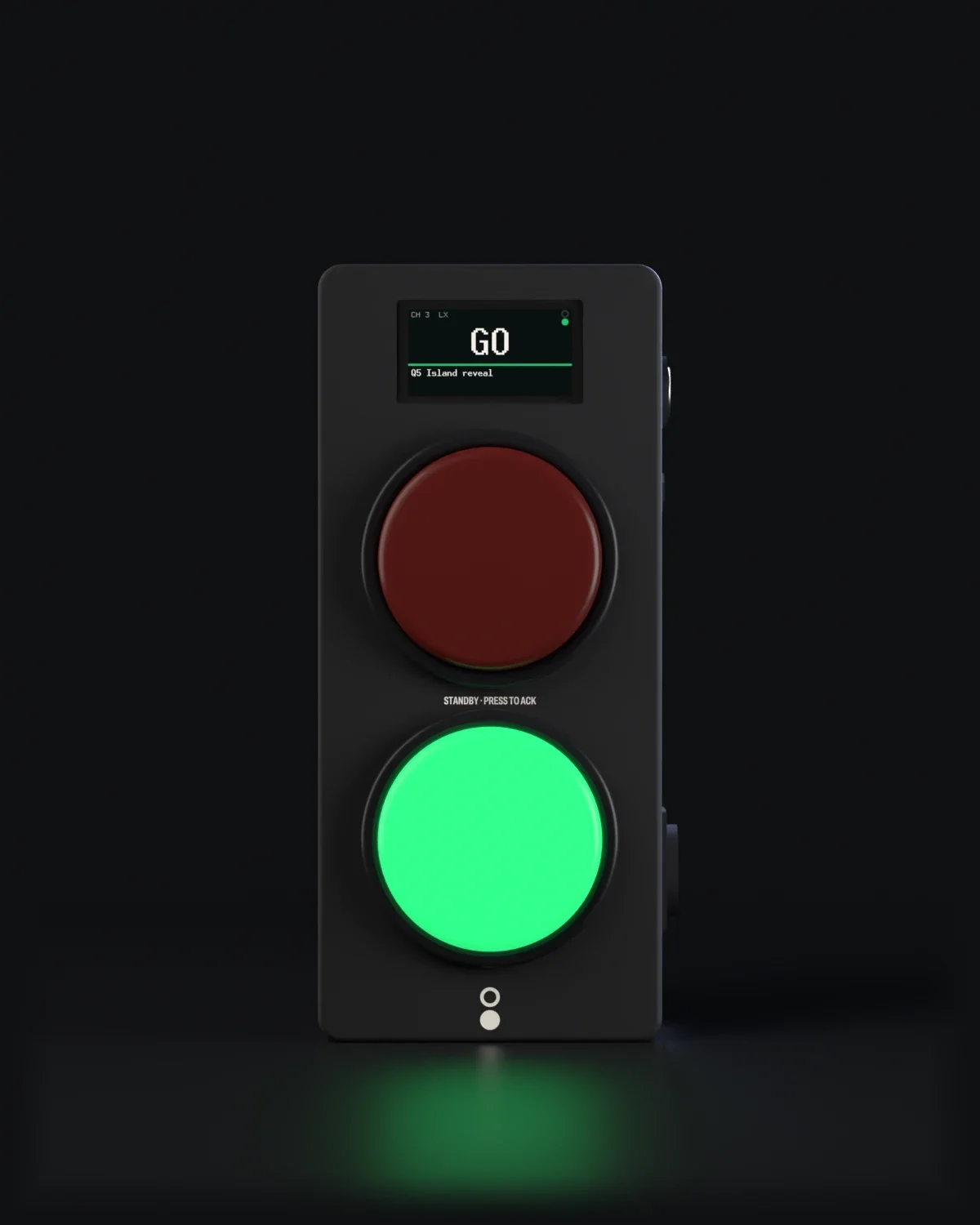
GO.
The DSM presses GO 1. Red goes out and green lights, under 30 ms from key to lamp (a design target, through one switch).
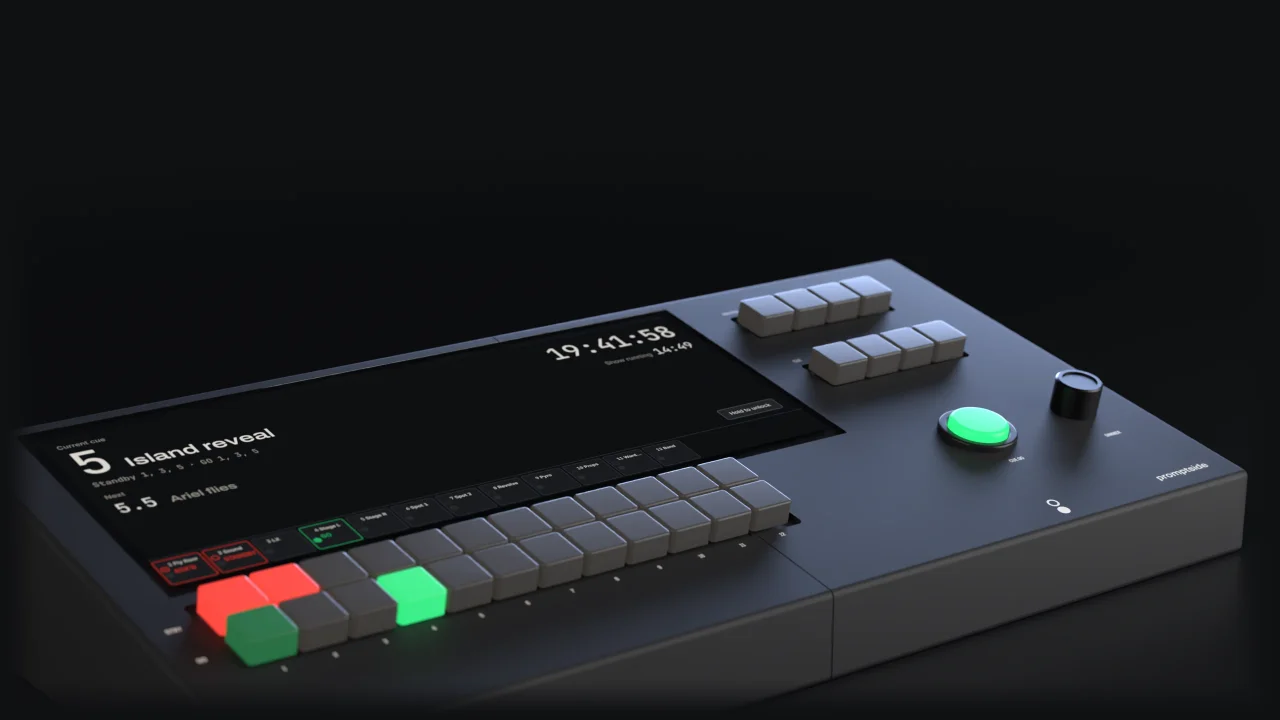
Picture: The Corner and both Wings from above: GO 1 lit green on the Corner, and both Wings' green lamps lit.

Then it clears.
Green clears after 3 s, or holds until the DSM clears it. Every press is timed, so the show report writes itself.
Picture: The Corner and both Wings at rest: every channel key and Wing lamp dark, and CUE GO lit for the next cue.
- Channels
- 24
- Devices per show
- 64
- Key to lamp, design target
- < 30 ms
Need to go without an answer? Hold GO for 1 s. It fires as a forced GO, and the show report marks it FORCED.
Try it
Now you call it.
One channel of a Corner and one Wing. Press STBY, answer on the Wing, then GO.
Corner · DSM
Wing · Flys
You're the DSM. Press STBY to warn Flys.
Hold GO for 1 s to force it. Keyboard: S standby, G GO, A acknowledge, C call.
Show logEvery press is timed.
- Nothing yet.
A desk, a light for each operator, and one cable each.
8
Hub 8
The show network in a box. Eight PoE ports connect and power the Wings.
More than 12 channels? The Corner 24 keys all 24. Which Corner?
Built for the show, not the network
The show runs on the hardware.
Keys, channel state and the Wings run on microcontrollers with no operating system to crash. The touchscreen, Book and the internet sit beside the show, never in its way.
< 30 ms
From a key on the Corner to a lamp on a Wing, through one switch, 95th percentile.Design target
500 ms
Heard nothing for 500 ms? A Wing turns its lamps off and shows NO LINK. It never holds an old standby or GO.Every Wing in step.
Standby flashes are timed by the Corner, so a row of Wings on one channel reads as one.


0
Internet connections needed to run a show.A GO never survives a reboot.
Power comes back to a clear desk, never to a green lamp nobody asked for.64
Devices on one show network.


Book
Call it from the Corner, an iPad or a laptop.
Book is Promptside's app. Build the cue stack, patch Wings to channels and read reports. It runs on the Corner itself, so it works with no internet at all.


Made for the dark
Dark by default, with a Dim control for the blackest corner. No bright panels, no white flashes.
Hard to press by accident
Touch controls that affect the show fire on a press-and-hold, never a tap. Palms and stray fingers are ignored.
Prepare from anywhere
With Book Cloud, edit cues from home. The Corner picks them up within 15 s whenever it's online.
Show reports
The show report writes itself.
Every standby, acknowledgement and GO is logged to the millisecond. At curtain down you have the numbers: how quickly each department answered, every forced or refused GO, every call.
Export a run as PDF or CSV, or keep them all in Book Cloud.
Show report · The Tempest
Tue 6 Oct · 19:30 to 22:04 · 174 cues
| Channel | Standbys | Mean ack | Max ack | Forced | Calls |
|---|---|---|---|---|---|
| 1 LX | 61 | 0.62 s | 1.40 s | 0 | 0 |
| 2 Sound | 48 | 0.71 s | 1.95 s | 0 | 1 |
| 3 Flys | 22 | 0.94 s | 2.31 s | 1 | 0 |
| 4 Deck SL | 17 | 0.88 s | 1.72 s | 0 | 2 |
| 5 Deck SR | 17 | 1.06 s | 3.10 s | 0 | 0 |
| 6 Auto | 9 | 0.58 s | 0.97 s | 0 | 0 |
- 21:14:03.218FlysSTANDBYQ 112 · Slow, 8 count
- 21:14:04.402FlysACK'D1.18 s
- 21:14:19.870FlysGOQ 112
- 21:14:22.870FlysClearafter 3 s
- 21:31:46.005FlysRefusedGO before acknowledgement
- 21:31:47.212FlysFORCEDGO held 1 s
Integrations
Works with the rest of your rig.
- QLab 5Fire standbys and GOs from network cues.
- ETC EosOSC both ways. Import cue numbers from CSV.
- MIDI Show ControlAn MSC GO runs the cue stack.
- OSCEvery channel and cue, in and out.
- Foot switchesTwo inputs on the Corner for hands-free GO.
- Contact closureA relay output that pulses on every GO.
Pricing and hire
Pricing
Free to run, always.
Running a show never needs a plan, an account or the internet. Book Cloud is free for preparing shows and reading reports. Paid plans from £150 a year add backups, the report archive and fleet care.
See pricingHire
Hire a kit for the run.
A Corner 12, six Wings, a Hub 8 and the cables in one case. By the day, week, run or season, with Book Cloud included while you have it.
Hire detailsReady when you are.
Put a Wing wherever an operator takes cues and see the whole rig, wired and priced. Or tell us about your building and we'll spec it with you.