12
Channels, each with its own STBY and GO key.
The DSM's desk.
A STBY and a GO key for each of 12 channels, under a 12.3" touchscreen that names them. The keys run the show. The screen tells you what they'll do.
Priced when you build your rig.
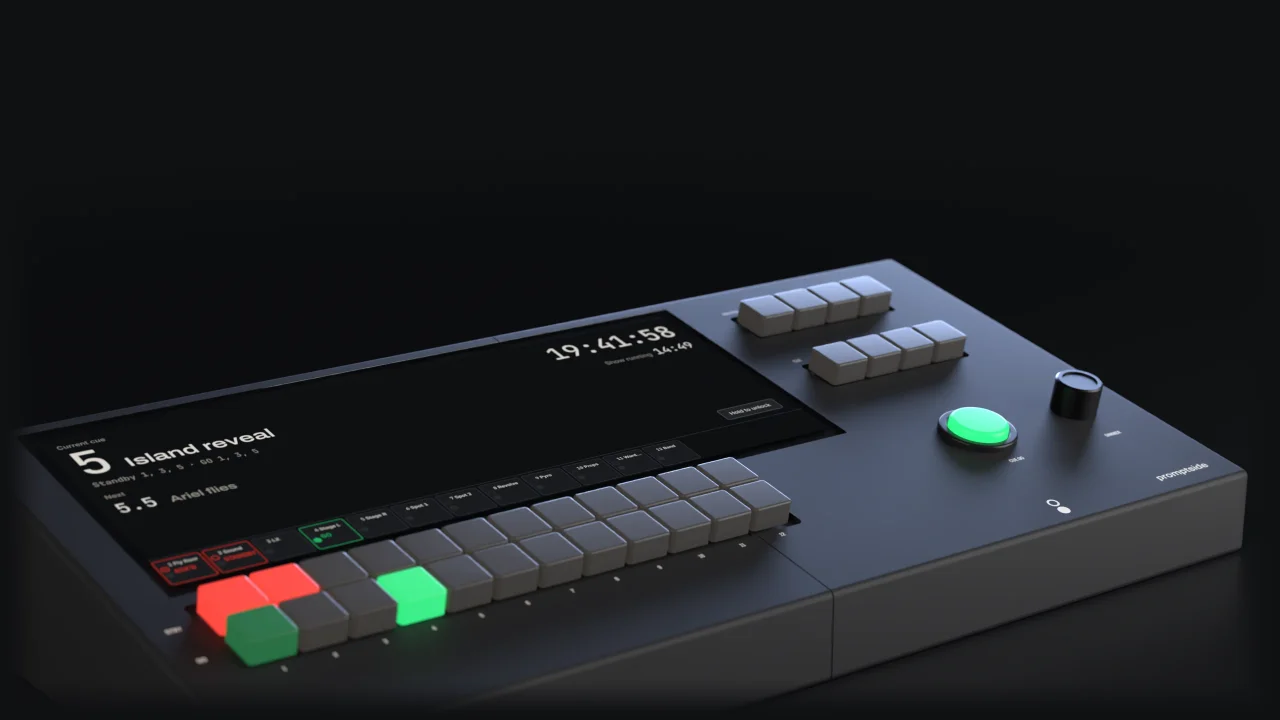
Renders of the current design.
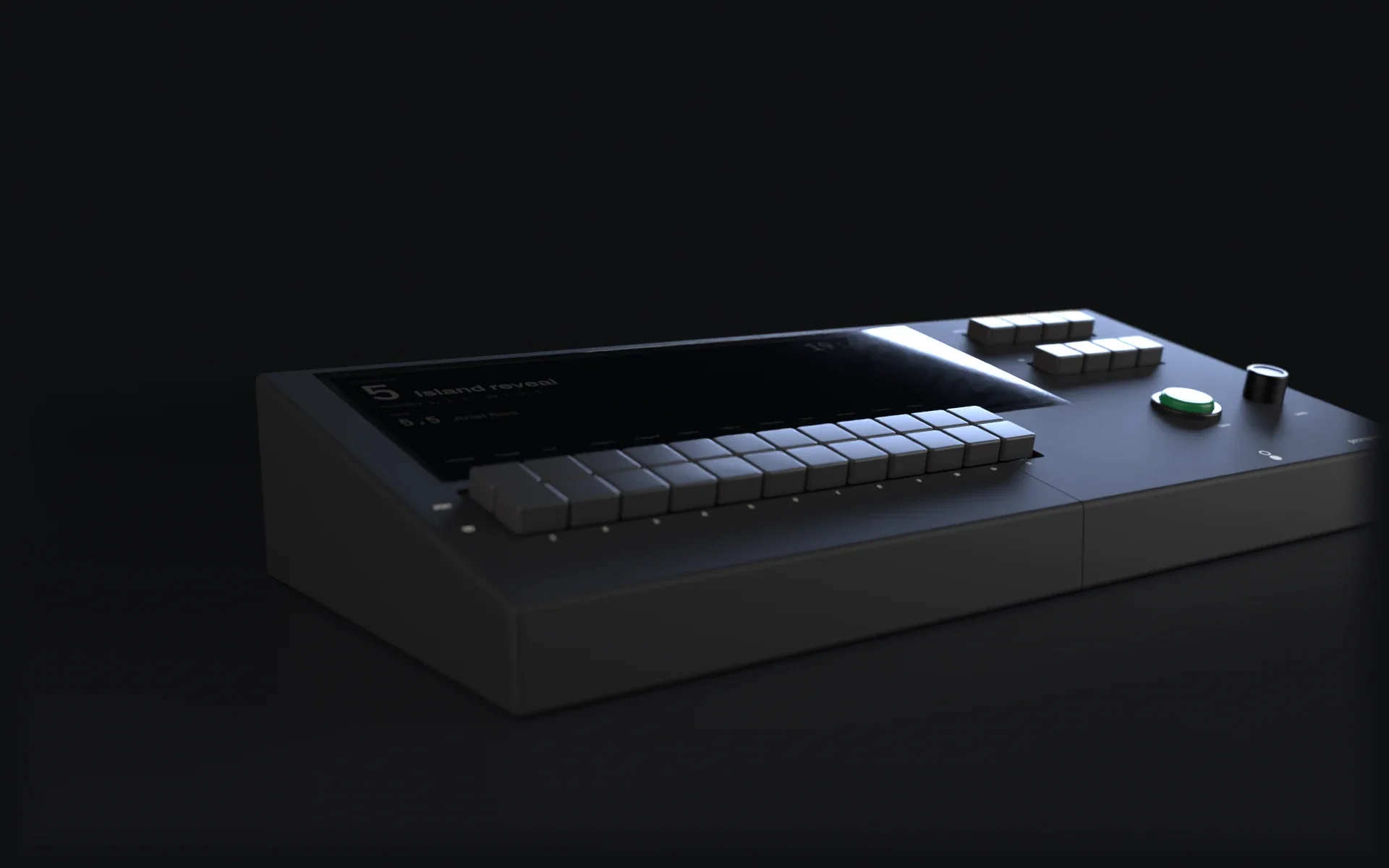


DARK
Press DARK and the keys, CUE GO and the screen drop to 5%. The Wings don't change.
Picture: The Corner 12 with DARK on: its keys, CUE GO and screen at 5%.
Skip the rest of this scene
Two rows of twelve: STBY above GO, one column per channel. The screen names each column right above its keys.
Picture: Close on channels 1 to 6: two rows of keys, STBY above GO, and the screen above naming each column.

STANDBY
One press puts every channel in the master group on standby: here Fly floor, Sound, LX and Stage L. Their keys flash red, and so does every Wing on those channels.
Picture: STBY keys 1 to 4 lit red; the screen above reads STANDBY on each.

ACK'D
Three have answered: their keys hold steady and GO glows dim. LX hasn't, so its GO stays dark, and master GO waits for it, unless you hold master GO for 1 s to force it.
Picture: STBY keys 1, 2 and 4 steady red with dim green GO keys; LX's STBY key red with its GO key dark.

GO
LX answers. Press master GO: red goes out and green lights, on the desk and on every Wing.
Picture: GO keys 1 to 4 lit green; the screen reads GO on each.


It runs Book: the cue stack, the clock and a name for every key.
Picture: The Corner with its screen on, STBY 1 lit red, beside a Wing on STANDBY.
Skip the rest of this scene
The channel keys, channel state and the Wings run on their own controller, with no operating system to crash. Every STBY and GO key, the master keys and every Wing carry on. The cue keys wait for the computer: CUE GO pulses slowly, at 0.5 Hz, while it's away.
In the picture, CUE GO is caught mid-pulse.
Picture: The Corner with its screen dark; STBY 1 steady red, GO 1 dim green; the Wing shows ACK'D.

The DSM presses GO 1 and the Wing lights green. When the computer is back, it catches up on what it missed.
Picture: The screen still dark; GO 1 lit green and the Wing lit green, showing GO.


CUE GO runs the current cue, then moves to the next. DIMMER sets the desk lamp; push it to switch the lamp on or off.

The screen names every column, right above its keys.

Master STBY and GO for the channels in the group. PREV, NEXT, BACK and HOLD for the cue stack.

Book on the Corner: the current and next cue, the clock and every channel. Locked by default, because the keys are the controls.
12
1 s
Design target
25 s
Design target
5%


12.3"
2
1 s
| Channel keys | 12 STBY and 12 GO, lit |
|---|---|
| Other keys | Master STBY, master GO, CLEAR, DARK, PREV, NEXT, BACK, HOLD; CUE GO button; DIMMER knob |
| Touchscreen | 12.3", 1920 × 720 |
| Connections | Show network, 2 foot switch inputs, a contact-closure output that pulses on every GO, desk lamp |
| Key press to Wing lamp | Under 30 ms (95th percentile, through one switch) |
| Channel keys ready | 1 s from power on |
| Touchscreen ready | 25 s |
| Devices per show | Up to 64 |
| Show control | OSC (UDP 8000, TCP 8001), MIDI Show Control |
Performance figures are design targets from the specification; they are measured on production hardware before release.
Choose by how many departments take cues from you. Several Wings can share a channel.
12
24
1 case
The Corner 24's details are limited to what is confirmed here.
Put a Wing wherever an operator takes cues. The configurator works out the Hubs, the cables and the price.